

1. Customizable Areas
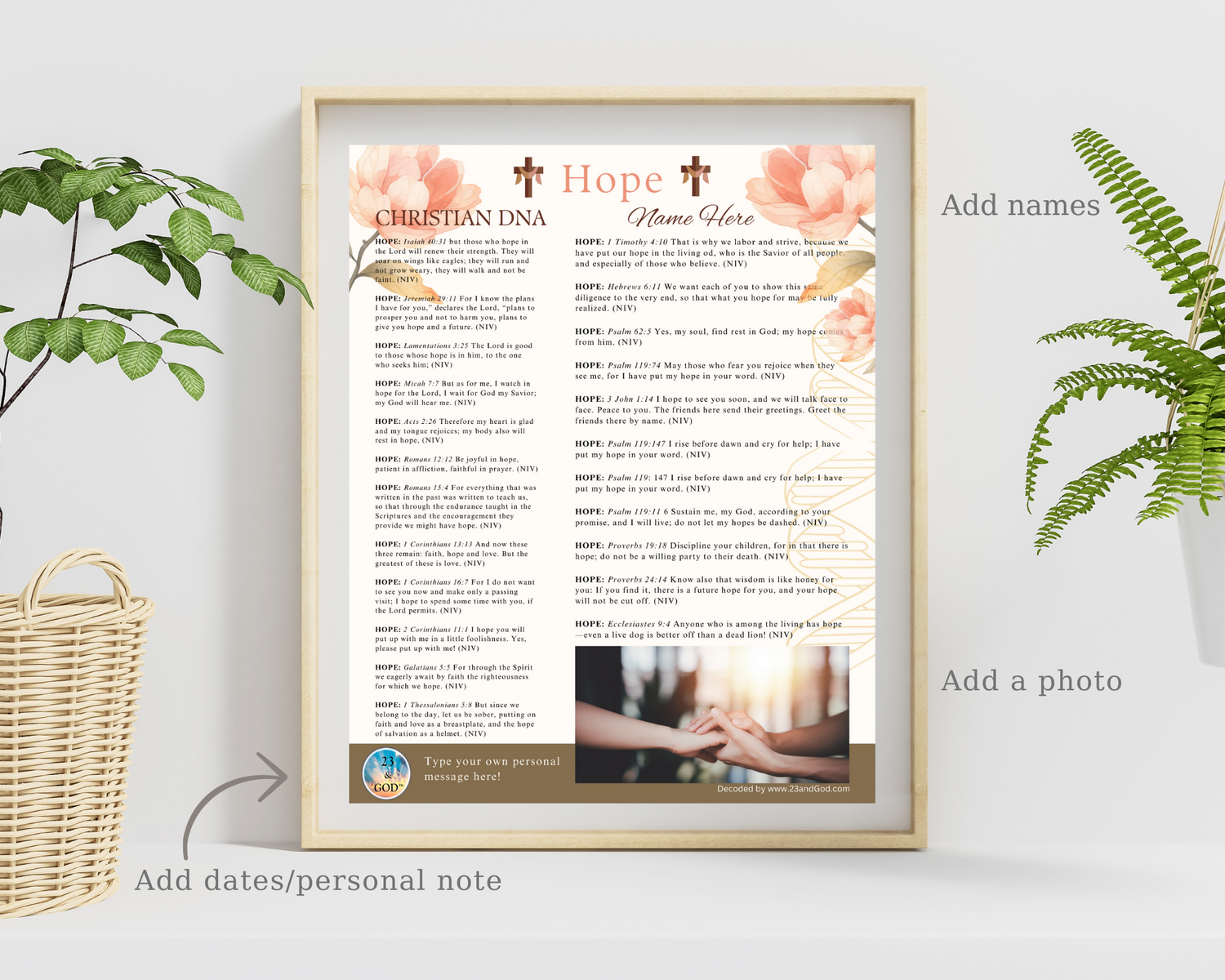
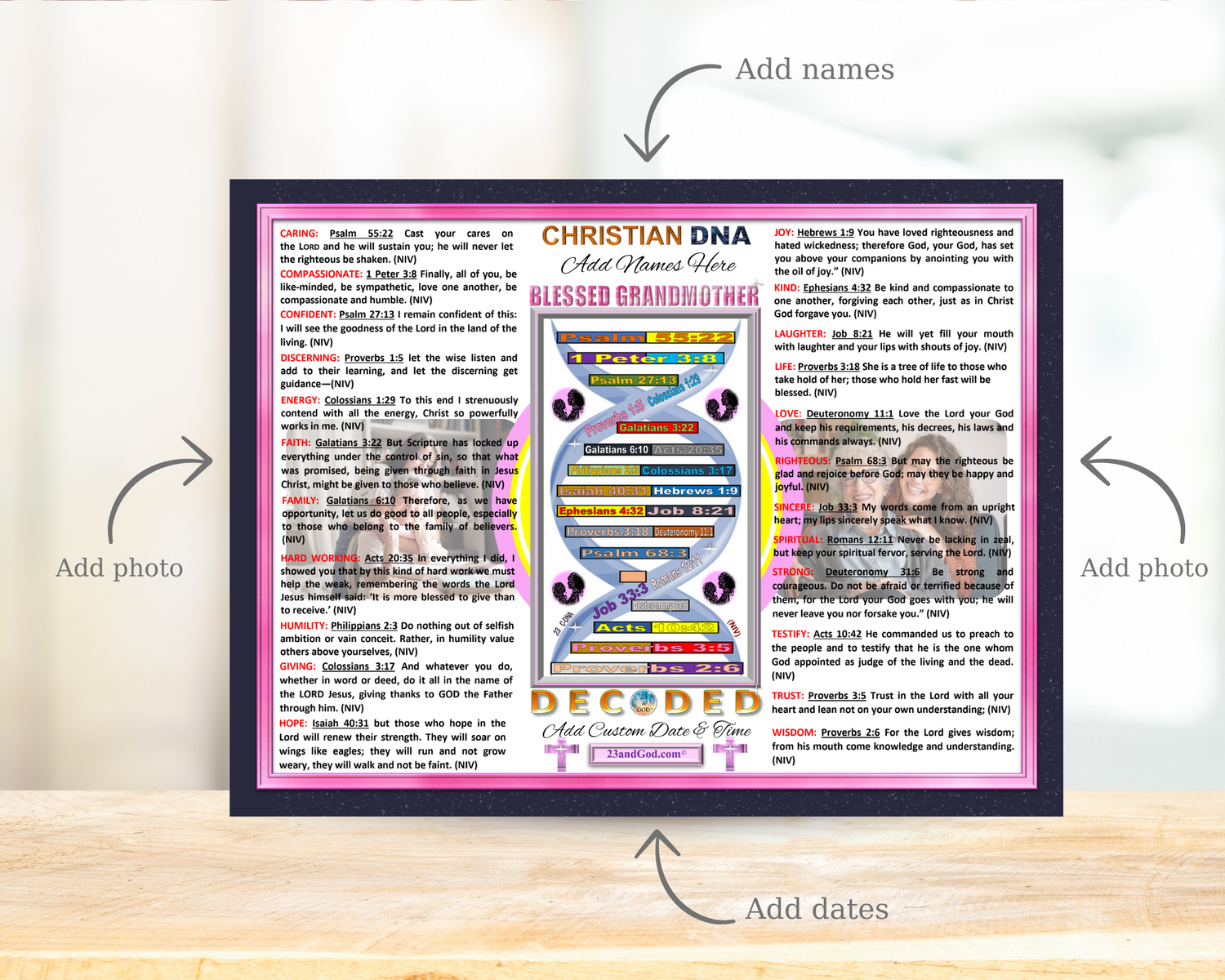
Every Christian DNA (C-DNA) graphic can be customized in three areas:
1) Name
2) Personal message or important dates
3) Photo

2. Download
Once purchased, your C-DNA graphic will be downloaded automatically.
Your C-DNA graphic will show the three
customizable areas for you to update.
Please note, that you will only be able to download your purchase one time.

3. Customize your 23 & God graphic in MS Word or Mac Pages
Open your document in Microsoft Word or Pages
4. Start your Design and Customize.
You graphic is set up as an 8" x 10" for easy printing on any 8.5" x 11" using a home printer.
Either drag and drop, or copy/paste your digital art graphic you just downloaded into your open MS Word blank document.
Position your art graphic on your page to print out for an 8’x10’ picture frame.
Type the person’s name you are giving this gift to where it says Name Here.
Type in a personal message where it says ‘Type your own personal message here’ in the lower left corner.
Add your personal photo in the box area next to your personal message.

5. Print and Frame
See above video for simple step-by-step instructions. The whole process to complete your customized C-DNA gift will only take approximately 10-minutes to complete.
Make sure your printer is set to print to color.
Print your art graphic(s). You may have to trim the edges equally on each side if you are using an unmatted frame.
Put your art graphic in an 8”x10” frame. You are now done and ready to gift.
FAQ
Q: Are there different instructions for the different graphics?
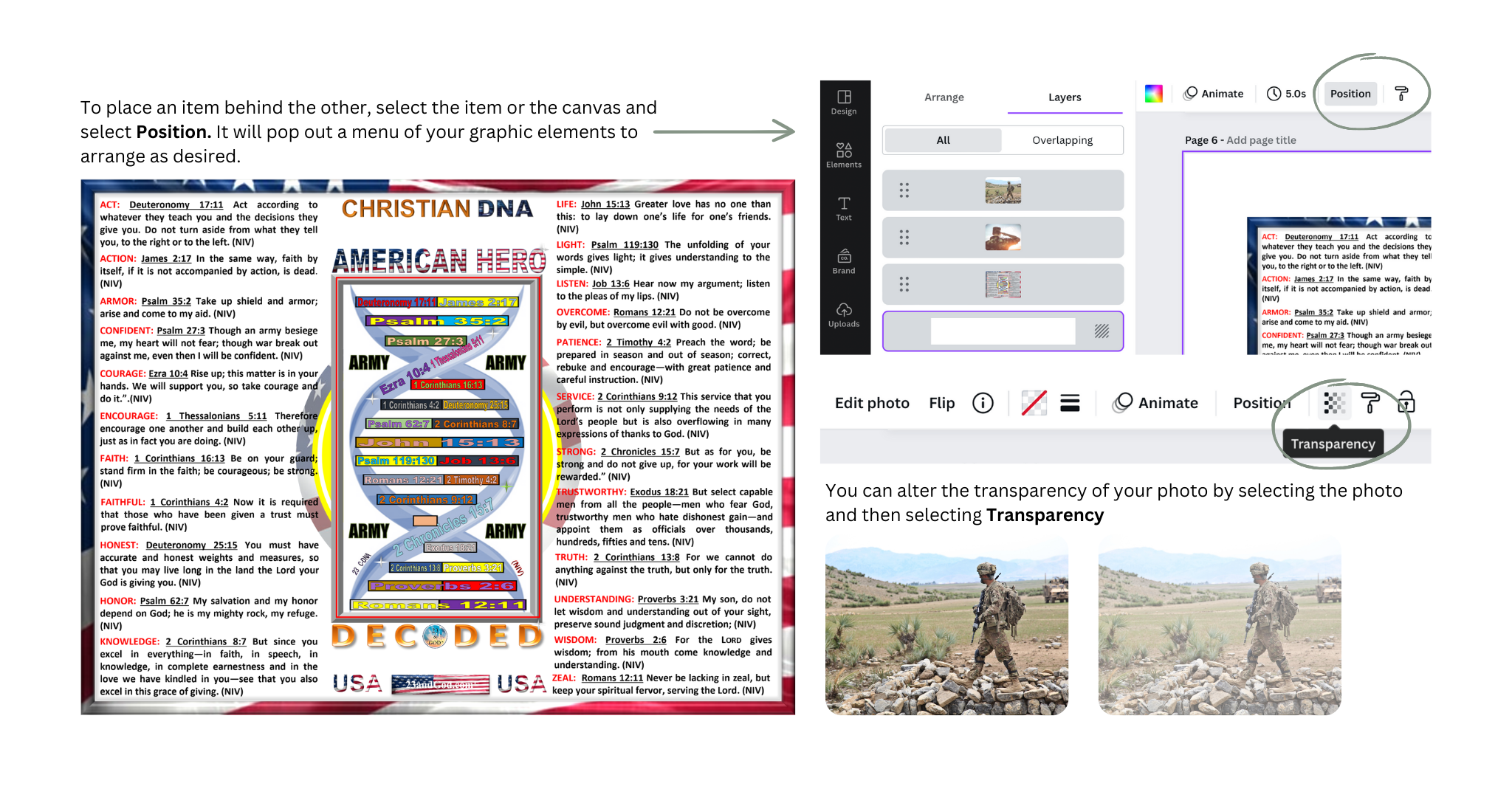
A. There is only one additional step for the Original style. The photos are positioned behind the text.
For details, check it out below!